Formas y máscaras
Lección 15 de 37 · 5 min
Toda caja es un rectángulo, pero no hace falta que se vea así. Con CSS podés recortarla, desvanecerla, hacer que el texto la rodee y cambiar la forma de sus esquinas, sin exportar ni una imagen más.
Recortar con clip-path
clip-path define una forma y oculta todo lo que queda afuera. Lo recortado no se pinta y tampoco recibe clics, pero la caja sigue ocupando el mismo lugar en el layout. El recorte se aplica a todo el elemento: también se lleva su box-shadow y su outline.
Las formas básicas se miden en porcentajes de la caja, así que se adaptan a cualquier tamaño:
- Rectángulo
inset(12% round 16px)Un rectángulo metido hacia adentro, con esquinas redondeadas opcionales. - Círculo
circle(40% at 50% 50%)El porcentaje del radio se mide sobre la diagonal de la caja dividida por √2, no sobre el ancho. - Elipse
ellipse(46% 40%)Un radio horizontal (sobre el ancho) y uno vertical (sobre el alto). - Polígono
polygon(…)Una lista de puntosx yque se unen con rectas.
Elegí una forma y mové el control. La línea naranja es el borde del recorte y la parte gris es lo que se oculta.
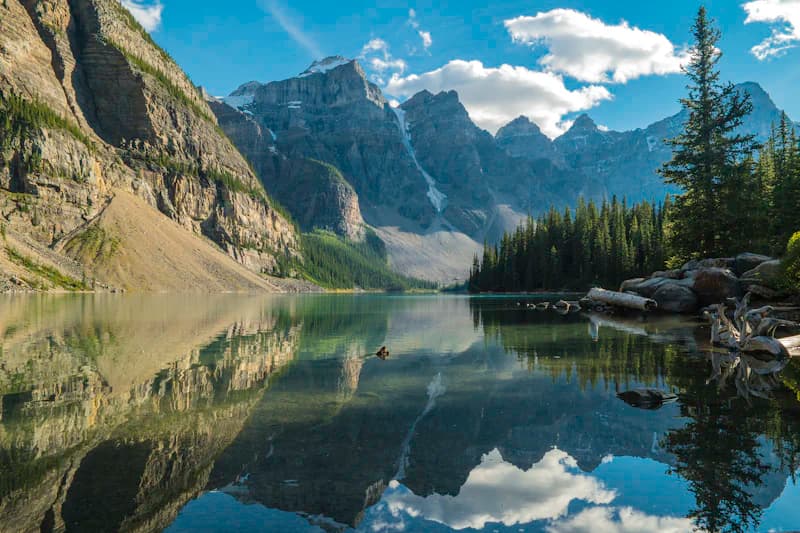
.foto {clip-path: circle(40% at 50% 50%);}
<img class="[clip-path:circle(40%_at_50%_50%)]" src="lago.jpg" alt="Lago entre montañas">
Para curvas existe path(), que recibe el mismo texto que el atributo d de SVG. Funciona en todos los navegadores, pero sus coordenadas son píxeles fijos: la forma no se adapta si la caja cambia de tamaño.
La función nueva shape() resuelve eso: dibuja con comandos legibles (line to, curve to, arc to) y acepta porcentajes y calc(). Es Baseline desde febrero de 2026 (Chrome 135, Safari 18.4, Firefox 148), así que en navegadores un poco más viejos conviene tener un plan B.
.foto {/* respaldo: un rectángulo con esquinas redondeadas */clip-path: inset(0 round 16px);}@supports (clip-path: shape(from 0 0, line to 100% 0, close)) {.foto {/* un arco arriba que se estira con la caja */clip-path: shape(from 0% 100%,line to 0% 32%,curve to 100% 32% with 50% -32%,line to 100% 100%,close);}}
Animar el recorte
clip-path se puede animar, y no recalcula el layout: solo cambia lo que se pinta. Hay una condición: las dos formas tienen que usar la misma función y, en un polygon(), la misma cantidad de puntos. De inset() a inset() interpola; de circle() a inset() salta de golpe.
Un recorte que crece desde un borde revela una imagen sin moverla. Como cualquier panel, abre en 400ms y cierra un poco más rápido. Con movimiento reducido, el recorte se reemplaza por un fundido. Elegí desde dónde se revela y ocultá la foto: la línea naranja sigue el borde del recorte.
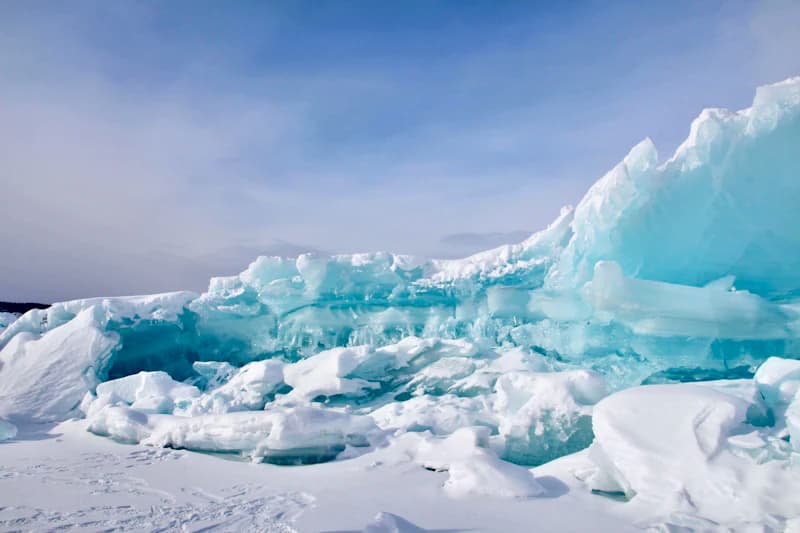
.portada {transition: clip-path 350ms cubic-bezier(0.22, 1, 0.36, 1);}.portada[data-shown] {transition-duration: 400ms;}@media (prefers-reduced-motion: no-preference) {.portada { clip-path: inset(100% 0 0 0); }.portada[data-shown] { clip-path: inset(0 0 0 0); }}/* movimiento reducido: sin recorte, solo un fundido */@media (prefers-reduced-motion: reduce) {.portada { opacity: 0; transition-property: opacity; }.portada[data-shown] { opacity: 1; }}
<img data-shown class="transition-[clip-path] duration-350 data-shown:duration-400 ease-[cubic-bezier(0.22,1,0.36,1)]motion-safe:[clip-path:inset(100%_0_0_0)] motion-safe:data-shown:[clip-path:inset(0_0_0_0)]motion-reduce:opacity-0 motion-reduce:transition-opacity motion-reduce:data-shown:opacity-100"src="glaciar.jpg" alt="Bloques de hielo de un glaciar">
Si el recorte crece desde el centro con circle(), el círculo final usa 75% y no 50%: las esquinas de la caja están al 70,7% del radio de referencia, y con menos quedarían cortadas.
Máscaras con mask-image
Una máscara usa una imagen como canal de opacidad. Donde la máscara es opaca, el elemento se ve; donde es transparente, desaparece; en el medio, se ve a medias. El color no importa, solo el alfa. Por eso un degradado de black a transparent sirve para desvanecer un borde.
A diferencia de clip-path, que corta en seco, la máscara puede ser gradual. Si el corte de transparent queda antes que el de black, el navegador lo empuja hasta el anterior y el fundido se vuelve un corte seco.
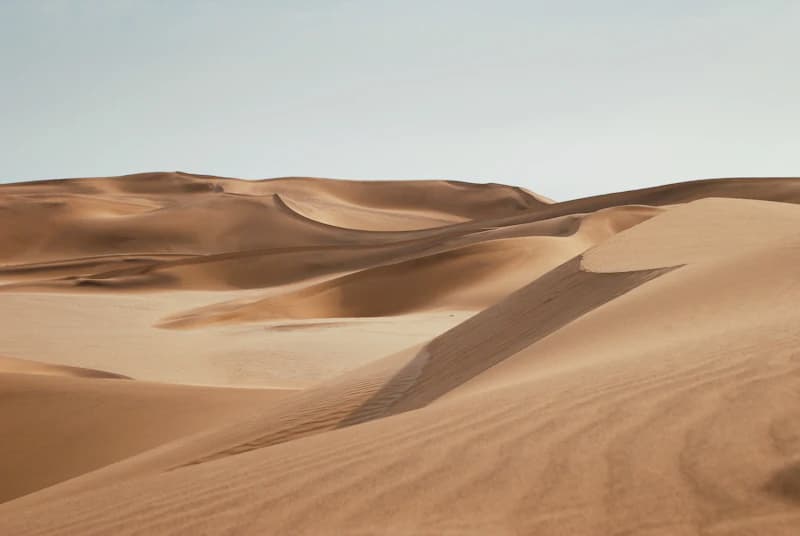
.foto {mask-image: linear-gradient(to bottom, black 40%, transparent 90%);}
<img class="mask-b-from-40% mask-b-to-90%" src="dunas.jpg" alt="Dunas">
La máscara también puede ser una imagen, por ejemplo un SVG o un PNG con transparencia. Se acomoda con las mismas ideas que un fondo: mask-size, mask-position y mask-repeat, o todo junto en el atajo mask.
.icono {background: currentColor; /* el color sale del texto */mask: url(estrella.svg) center / 24px no-repeat;}.foto {/* dos capas: todo opaco menos un círculo en el centro */mask-image:linear-gradient(black, black),radial-gradient(circle, black 30%, transparent 31%);mask-composite: exclude;}
Con varias capas, mask-composite decide cómo se combinan: add (la suma, el valor inicial), subtract, intersect o exclude. Las máscaras sin prefijo son Baseline desde diciembre de 2023 y están disponibles en todos lados desde junio de 2026. Antes había que escribir -webkit-mask-image.
Texto alrededor de una forma
shape-outside cambia la forma que el texto rodea, no la del elemento. Solo funciona en elementos con float: las líneas de al lado se acortan o se alargan para seguir la curva. La imagen no se recorta; para eso sigue haciendo falta border-radius o clip-path.
La forma se mide sobre la caja de margen salvo que digas otra cosa. Como el disco tiene margin a la derecha y abajo, el círculo se calcula sobre border-box para que coincida con la foto. La distancia entre el texto y la forma la da shape-margin. Cambiá la forma y mové el control: la línea naranja marca el área que el texto esquiva.
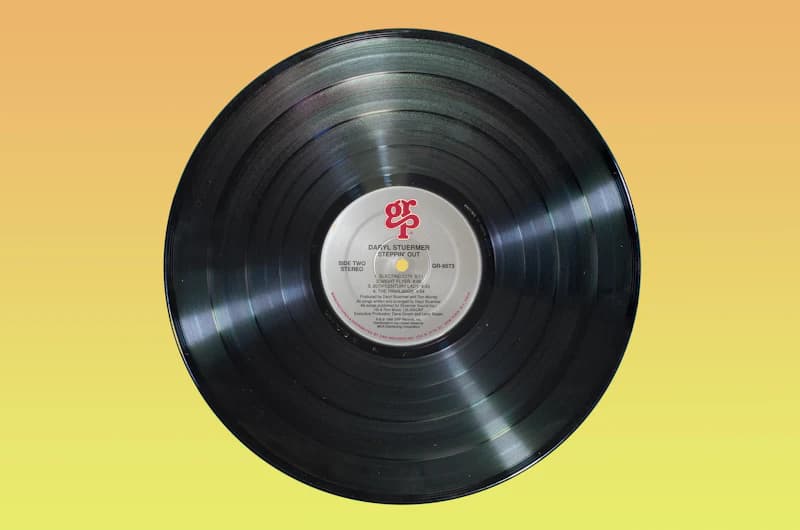
.disco {float: left;width: 112px;aspect-ratio: 1;margin: 0 16px 16px 0;border-radius: 50%;shape-outside: circle(50%) border-box;shape-margin: 8px;}
<img class="float-left w-28 aspect-square mr-4 mb-4 rounded-full [shape-outside:circle(50%)_border-box] [shape-margin:8px]"src="disco.jpg" alt="Disco de vinilo"><p>Un LP de 12 pulgadas gira a 33⅓ rpm…</p>
También acepta una imagen: con shape-outside: url(planta.png) el texto sigue la silueta de los píxeles opacos, y shape-image-threshold define desde qué opacidad cuentan. Es Baseline desde 2020.
Esquinas con corner-shape
border-radius define cuánto ocupa cada esquina; corner-shape define qué curva la dibuja. Sin un radio no hace nada. Los fondos, los bordes, las sombras y el contorno siguen la nueva forma. Cada palabra es un atajo de superellipse(): round es superellipse(1), squircle es superellipse(2) y los valores negativos curvan hacia adentro.
round es la curva de siempre y squircle una más llena, como los íconos de las apps. bevel corta la esquina en recta; scoop la curva hacia adentro, como una entrada de cine, y notch le hace un escalón recto. Probá cada una y cambiá el radio: la línea naranja es la curva que calcula el navegador.
.entrada {border-radius: 28px; /* todos: esquina redondeada */corner-shape: scoop;}
<div class="rounded-[28px] [corner-shape:scoop]">Cine · F7</div>
Soporte: por ahora solo Chrome y Edge 139 o posterior; Firefox y Safari lo tienen en versiones de prueba, y no es Baseline. Como un navegador que no lo entiende deja la esquina redondeada común, se puede usar hoy como mejora progresiva:
.entrada {border-radius: 20px; /* todos: esquina redondeada */corner-shape: scoop; /* Chrome y Edge 139+: hacia adentro */}
En Tailwind
Tailwind trae clases para las máscaras, pero no para clip-path, shape-outside ni corner-shape: esas van como propiedad arbitraria entre corchetes, con guiones bajos en lugar de espacios.
| CSS | Tailwind |
|---|---|
| clip-path: circle(40% at 50% 50%) | [clip-path:circle(40%_at_50%_50%)] |
| mask-image: … to bottom, black 40%… | mask-b-from-40% mask-b-to-90% |
| mask-image: var(--icon) | mask-(--icon) mask-center |
| mask-composite: exclude | mask-exclude |
| shape-outside: circle(50%) | [shape-outside:circle(50%)] float-left |
| corner-shape: squircle | [corner-shape:squircle] rounded-2xl |
<!-- se revela desde abajo; con movimiento reducido, solo un fundido --><img data-shownclass="transition-[clip-path] duration-350 data-shown:duration-400motion-safe:[clip-path:inset(100%_0_0_0)]motion-safe:data-shown:[clip-path:inset(0_0_0_0)]motion-reduce:opacity-0 motion-reduce:transition-opacitymotion-reduce:data-shown:opacity-100"src="glaciar.jpg" alt="…">
Shapes and masks
Lesson 15 of 37 · 5 min
Every box is a rectangle, but it doesn't have to look like one. CSS can cut it, fade it, wrap text around it and change the shape of its corners, without exporting a single extra image.
Clipping with clip-path
clip-path defines a shape and hides everything outside it. The clipped part isn't painted and doesn't get clicks either, but the box keeps its place in the layout. The clip applies to the whole element, so it also cuts its box-shadow and its outline.
The basic shapes take percentages of the box, so they adapt to any size:
- Rectangle
inset(12% round 16px)A rectangle pulled inward, with optional rounded corners. - Circle
circle(40% at 50% 50%)The radius percentage is measured against the box's diagonal divided by √2, not its width. - Ellipse
ellipse(46% 40%)A horizontal radius (against the width) and a vertical one (against the height). - Polygon
polygon(…)A list ofx ypoints joined by straight lines.
Pick a shape and move the slider. The orange line is the clip's edge, and the gray part is what gets hidden.
.photo {clip-path: circle(40% at 50% 50%);}
<img class="[clip-path:circle(40%_at_50%_50%)]" src="lake.jpg" alt="Lake between mountains">
For curves there's path(), which takes the same string as SVG's d attribute. It works in every browser, but its coordinates are fixed pixels: the shape doesn't adapt when the box changes size.
The new shape() function fixes that: it draws with readable commands (line to, curve to, arc to) and takes percentages and calc(). It has been Baseline since February 2026 (Chrome 135, Safari 18.4, Firefox 148), so slightly older browsers need a plan B.
.photo {/* fallback: a rectangle with rounded corners */clip-path: inset(0 round 16px);}@supports (clip-path: shape(from 0 0, line to 100% 0, close)) {.photo {/* an arched top that stretches with the box */clip-path: shape(from 0% 100%,line to 0% 32%,curve to 100% 32% with 50% -32%,line to 100% 100%,close);}}
Animating the clip
clip-path animates, and it doesn't trigger layout: only what gets painted changes. There's one condition: both shapes must use the same function and, for a polygon(), the same number of points. inset() to inset() interpolates; circle() to inset() just jumps.
A clip that grows from one edge reveals an image without moving it. Like any panel, it opens in 400ms and closes a bit faster. With reduced motion, the clip gives way to a fade. Pick where the reveal starts and hide the photo: the orange line follows the clip's edge.
.cover {transition: clip-path 350ms cubic-bezier(0.22, 1, 0.36, 1);}.cover[data-shown] {transition-duration: 400ms;}@media (prefers-reduced-motion: no-preference) {.cover { clip-path: inset(100% 0 0 0); }.cover[data-shown] { clip-path: inset(0 0 0 0); }}/* reduced motion: no clipping, just a fade */@media (prefers-reduced-motion: reduce) {.cover { opacity: 0; transition-property: opacity; }.cover[data-shown] { opacity: 1; }}
<img data-shown class="transition-[clip-path] duration-350 data-shown:duration-400 ease-[cubic-bezier(0.22,1,0.36,1)]motion-safe:[clip-path:inset(100%_0_0_0)] motion-safe:data-shown:[clip-path:inset(0_0_0_0)]motion-reduce:opacity-0 motion-reduce:transition-opacity motion-reduce:data-shown:opacity-100"src="glacier.jpg" alt="Blocks of glacier ice">
If the clip grows from the center with circle(), the final circle uses 75%, not 50%: the box's corners sit at 70.7% of the reference radius, so anything less would cut them off.
Masks with mask-image
A mask uses an image as an opacity channel. Where the mask is opaque, the element shows; where it's transparent, it disappears; in between, it shows partly. Color doesn't matter, only alpha. That's why a black to transparent gradient fades an edge.
Unlike clip-path, which cuts hard, a mask can be gradual. If the transparent stop lands before the black one, the browser pushes it up to the previous stop and the fade turns into a hard edge.
.photo {mask-image: linear-gradient(to bottom, black 40%, transparent 90%);}
<img class="mask-b-from-40% mask-b-to-90%" src="dunes.jpg" alt="Dunes">
The mask can also be an image, such as an SVG or a PNG with transparency. It's placed with the same ideas as a background: mask-size, mask-position and mask-repeat, or all at once with the mask shorthand.
.icon {background: currentColor; /* the color comes from the text */mask: url(star.svg) center / 24px no-repeat;}.photo {/* two layers: all opaque except a circle in the middle */mask-image:linear-gradient(black, black),radial-gradient(circle, black 30%, transparent 31%);mask-composite: exclude;}
With several layers, mask-composite decides how they combine: add (the default), subtract, intersect or exclude. Unprefixed masks have been Baseline since December 2023 and widely available since June 2026. Before that you had to write -webkit-mask-image.
Wrapping text around a shape
shape-outside changes the shape text wraps around, not the element's own shape. It only works on float elements: the lines beside it get shorter or longer to follow the curve. The image isn't clipped; you still need border-radius or clip-path for that.
The shape is measured against the margin box unless you say otherwise. The record has a margin on the right and bottom, so the circle is computed on border-box to match the photo. shape-margin sets the distance between the text and the shape. Switch the shape and move the slider: the orange line marks the area the text keeps clear of.
.record {float: left;width: 112px;aspect-ratio: 1;margin: 0 16px 16px 0;border-radius: 50%;shape-outside: circle(50%) border-box;shape-margin: 8px;}
<img class="float-left w-28 aspect-square mr-4 mb-4 rounded-full [shape-outside:circle(50%)_border-box] [shape-margin:8px]"src="record.jpg" alt="Vinyl record"><p>A 12-inch LP spins at 33⅓ rpm…</p>
It also takes an image: with shape-outside: url(plant.png) text follows the outline of the opaque pixels, and shape-image-threshold sets the opacity they need to count. It has been Baseline since 2020.
Corners with corner-shape
border-radius sets how much room each corner takes; corner-shape sets the curve that draws it. Without a radius it does nothing. Backgrounds, borders, shadows and the outline all follow the new shape. Each keyword is shorthand for superellipse(): round is superellipse(1), squircle is superellipse(2), and negative values curve inward.
round is the usual curve and squircle a fuller one, like app icons. bevel cuts the corner straight; scoop curves it inward, like a cinema ticket, and notch gives it a square step. Try each one and change the radius: the orange line is the curve the browser computes.
.ticket {border-radius: 28px; /* everyone: a rounded corner */corner-shape: scoop;}
<div class="rounded-[28px] [corner-shape:scoop]">Cinema · F7</div>
Support: only Chrome and Edge 139 or later for now; Firefox and Safari have it in preview builds, and it isn't Baseline. A browser that doesn't understand it keeps the plain rounded corner, so you can use it today as a progressive enhancement:
.ticket {border-radius: 20px; /* everyone: a rounded corner */corner-shape: scoop; /* Chrome and Edge 139+: curved inward */}
In Tailwind
Tailwind ships classes for masks, but not for clip-path, shape-outside or corner-shape: those go in brackets as arbitrary properties, with underscores instead of spaces.
| CSS | Tailwind |
|---|---|
| clip-path: circle(40% at 50% 50%) | [clip-path:circle(40%_at_50%_50%)] |
| mask-image: … to bottom, black 40%… | mask-b-from-40% mask-b-to-90% |
| mask-image: var(--icon) | mask-(--icon) mask-center |
| mask-composite: exclude | mask-exclude |
| shape-outside: circle(50%) | [shape-outside:circle(50%)] float-left |
| corner-shape: squircle | [corner-shape:squircle] rounded-2xl |
<!-- revealed from the bottom; with reduced motion, just a fade --><img data-shownclass="transition-[clip-path] duration-350 data-shown:duration-400motion-safe:[clip-path:inset(100%_0_0_0)]motion-safe:data-shown:[clip-path:inset(0_0_0_0)]motion-reduce:opacity-0 motion-reduce:transition-opacitymotion-reduce:data-shown:opacity-100"src="glacier.jpg" alt="…">